Installing the Plugin
You can find the plugin at this address. To install the plugin in your e-shop, you must be logged in with your e-shop's administrator account.
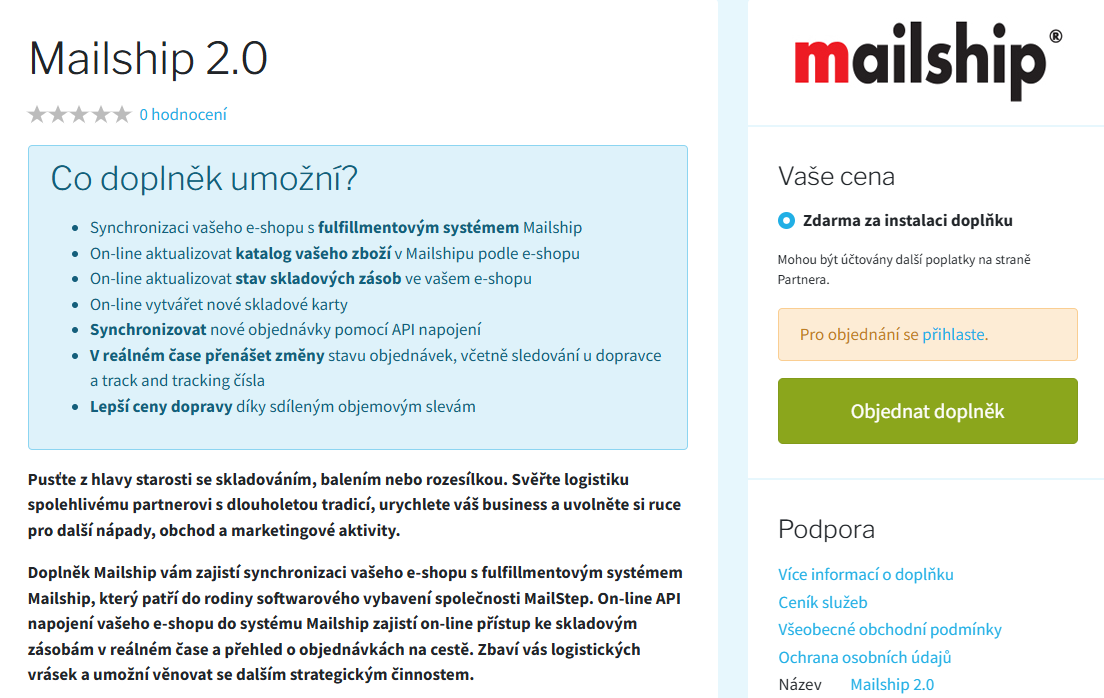
On the right side of the page, click Order Plugin (Objednat doplněk). This installs the plugin. After a successful installation, click Go to Plugin Settings (Přejít na nastavení doplňku) to return to your e-shop administration, directly to the settings of the newly installed plugin.
Credentials for Connecting to Mailship
Obtaining the Credentials
To activate the plugin in your e-shop, you will need credentials for connecting to the Mailship system. You will receive them once you have signed a contract with Mailstep.
You can find the credentials in the welcome email from your onboarding specialist.
If you do not have a contract with Mailstep yet, a Mailstep sales representative will contact you with an offer after you install the plugin. Alternatively, you can contact them directly:
Contact details:
Email: sales_ita@mailship.com
Entering the Credentials
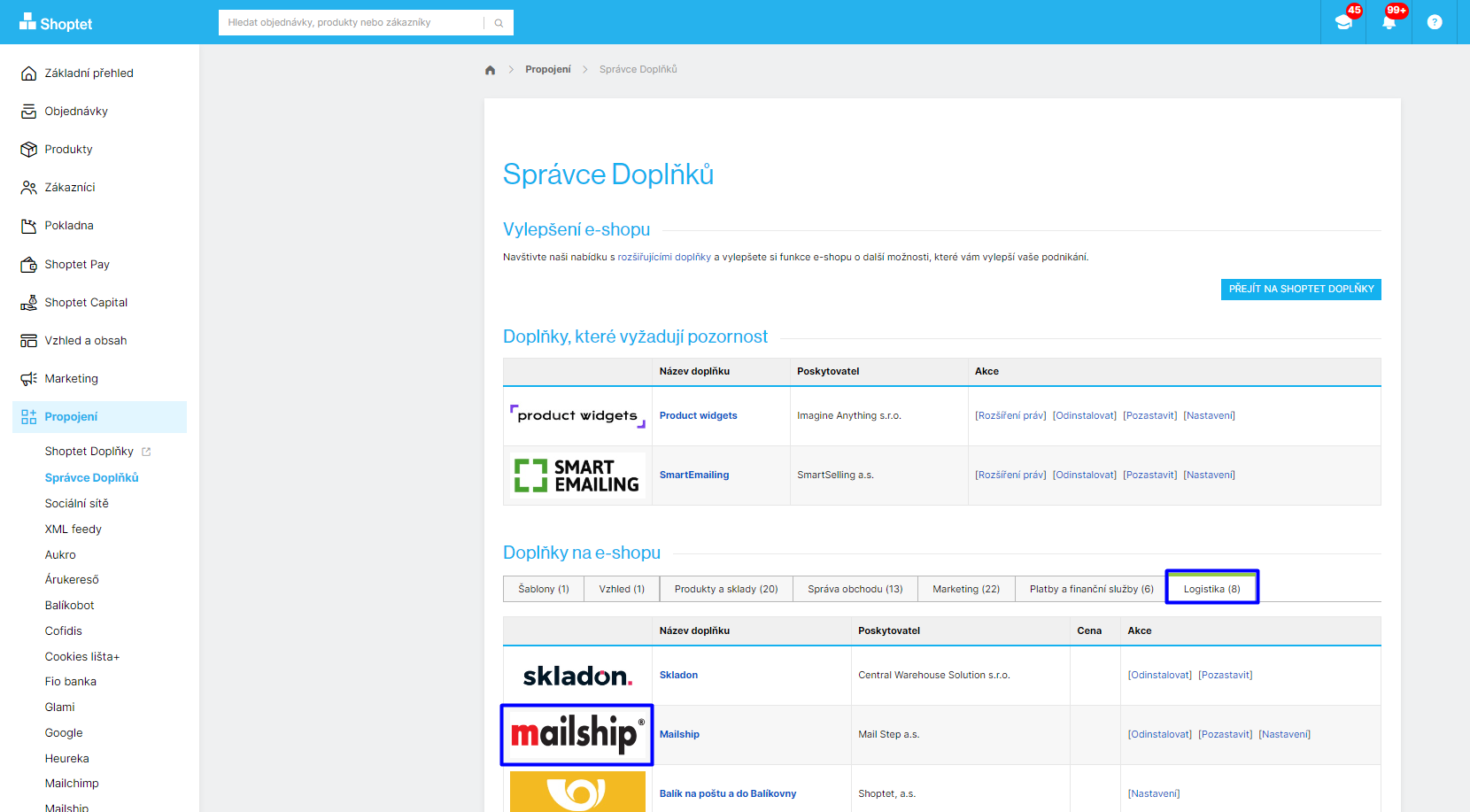
You can find the plugin settings in your e-shop administration. In the left menu Connections (Propojení), click Mailship. Alternatively, select Plugin Manager (Správce doplňků), find the Mailship plugin on the Logistics (Logistika) tab and choose Settings (Nastavení).
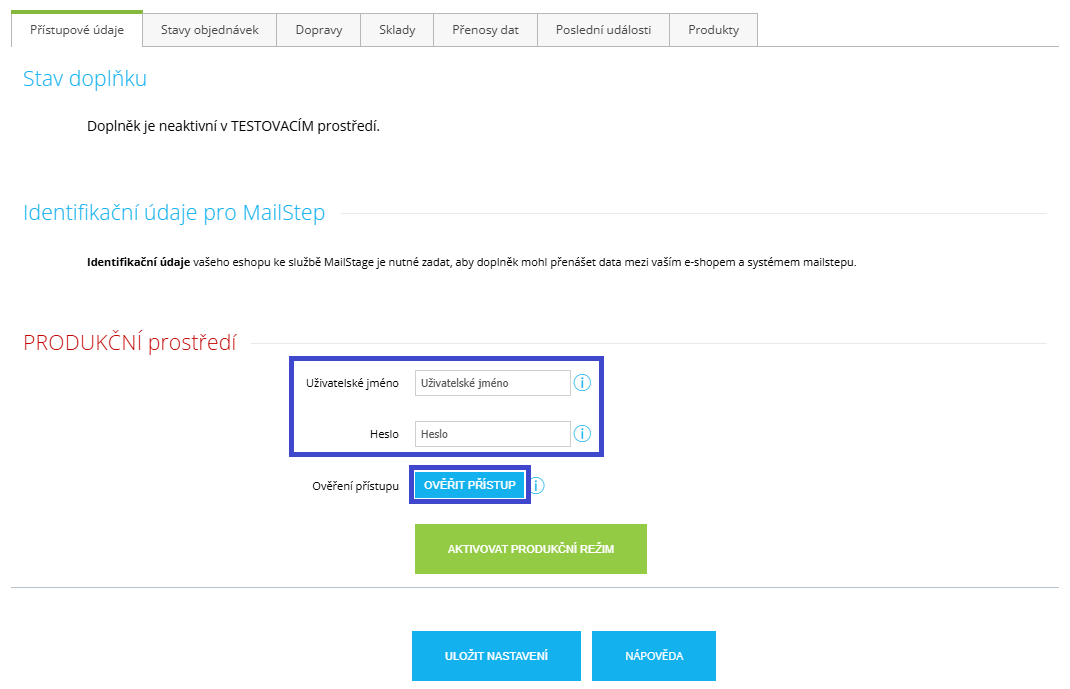
On the first settings tab, enter the credentials you received. Enter them in the PRODUCTION environment (PRODUKČNÍ prostředí) section.
Using the Verify Access (Ověřit přístup) button, you can check that the credentials are correct before activating the plugin. If the credentials are valid, drop-down menus will appear where you can select the organization and e-shop available under your account.
Before the next step, we recommend checking that the Mailship environment is available and that your credentials are correct. If the connection cannot be established (for example, because your Mailship account has not been activated yet or there is a temporary service outage), the plugin will remain in its original state. Also watch for any notifications that may appear at the top of the settings.
Activating Production Mode
Before you switch the plugin to live operation, please carefully review all the settings – especially the product catalog.
Before the first launch, pay attention to these settings:
-
Make sure every product has a correctly filled-in Product Code and EAN, see Product Sync via the Shoptet Plugin
-
If you plan to sync more than 15,000 products, let us know in advance – we will help you with the optimal setup.
-
Set up the statuses for order sync: Order Sync via the Shoptet Plugin Even though you will not be syncing shipments yet, the mandatory “blue” statuses must be set for the plugin to work.
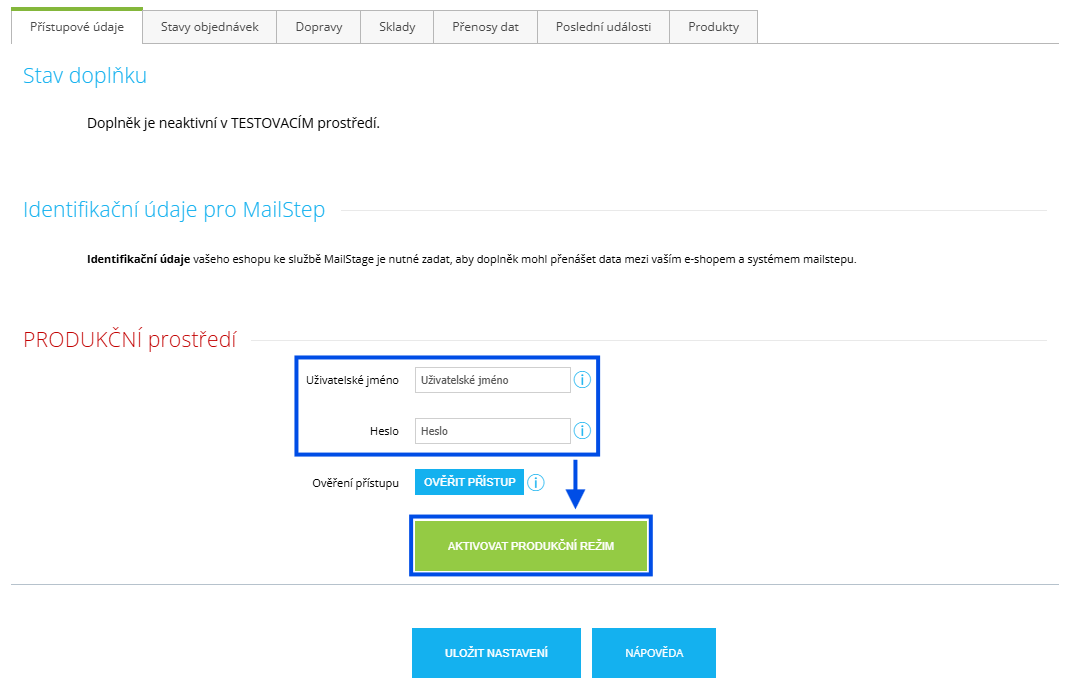
Once everything is ready, you can click Activate Production Mode (Aktivovat produkční režim).